

Meet Your AI Workforce
Research, intake, billing, follow-up and the admin nobody has time for. Here’s what AI Workforce Pro takes on, where it connects, and the features built for law firms.
Six Ways to Become an AI-First Firm with AI Workforce Pro
01
Legal research
Legal research that pulls real cases
Legal research that pulls real cases
Ask any AI a legal question and it answers from whatever it picked up in training. Usually it’s right. When it’s wrong, it’s confidently wrong, and that’s the problem. You get a case name, a court, a year, formatted perfectly, and the case doesn’t exist.
AI Workforce Pro searches real court decisions before it answers. It pulls the cases, reads them, and gives you an answer with the cases attached. Click through and read them yourself. Every citation is real because it came out of actual case law rather than the AI’s memory.
It also runs on any model you pick, so you can check a handful of citations on a fast, inexpensive one and save the powerful models for the questions that earn it.
02
Scheduled agents
Work that happens before you open your laptop
Work that happens before you open your laptop
Your morning starts with twenty minutes of triage. What came in overnight, what’s overdue, what needs an answer first.
Schedule an agent instead. At nine every morning it reads your inbox, checks your calendar, looks at your case management system, and emails you a digest covering what needs attention, what’s unbilled, and what to answer first. It runs whether or not you’re logged in.
Each item comes with a suggested next action. Click “reply to the Kowalski email” and the AI already knows the matter, the history and your writing style, and drafts it. Agents also chain, so a second one can draft replies to everything the first one flagged. You wake up to a sorted day and a folder of drafts.
This is the feature firms rave about most, and it’s usually where they recover the most time first.
03
Bulk operations
Clear the backlog in one conversation
Clear the backlog in one conversation
Matters that should be closed. Tasks nobody marked done. The same small update needed across thirty files. Each takes ninety seconds, which is exactly why none of them get done.
Ask in plain language: “do I have anything waiting on me that could be closed?” You get an answer back listing five matters ready to close and one that needs attention first, with the reason why. Say “close the clean ones” and it does, without you opening your case management system at all.
Anything that changes a record shows you what it’s about to do and waits for your confirmation. It flagged the problem matter rather than quietly closing it with the rest, and that behavior is written into the skill itself.
04
Cross-system retrieval
Everything about a matter, in one question
Everything about a matter, in one question
Getting current on a file means four tabs. Email for correspondence, Drive for documents, calendar for what’s scheduled, case management for the record.
Ask once: “gather everything related to this matter.” The AI queries every connected system at the same time, including email, documents, calendar, case management and call logs, and hands back one summary of where things stand. You don’t tell it where to look. It already knows what’s connected.
This is the difference between AI that talks about your firm and AI that can see it. A tool that can’t reach your systems only knows what you paste into it, which means you’re still doing the assembly.
05
Building skills
Do it once, then never do it again
Do it once, then never do it again
Every firm has processes living in one person’s head. The way intake gets logged. The way a status update gets written. When that person leaves, it goes with them.
A skill is a reusable instruction for a recurring task, basically a training manual for your AI. You build one by talking. Do the work once in a normal conversation, then say “turn that into a skill.” The AI writes it up from what just happened, including when to trigger, which systems to touch, what format to produce, and where to stop and ask a human. Save it and anyone on your team can run it.
Skills pick up your specifics too, like your signature, your letterhead and the way your firm phrases things, pulled from your existing emails rather than configured by hand.
06
Recovering lost time
Find the money already sitting in your files
Find the money already sitting in your files
The work happened. The time never got logged. A call here, a document review there, twenty minutes of email nobody wrote down. It’s the most predictable revenue leak in a small firm and it stays invisible, because you can’t miss what was never recorded.
Ask where you have unlogged time and the AI looks across your email, calendar, documents and case management system, finds work with no matching time entry, and shows you what it found with the math behind it.
Then schedule it so the recovery stops depending on you remembering. One attorney built this skill and rolled it out firm-wide, and reports roughly 16 hours a month recovered per attorney.
Platform Features and Enhancements
We release updates constantly, and much of them come straight from firms on the platform asking for it. Here’s a sample of our most popular features.
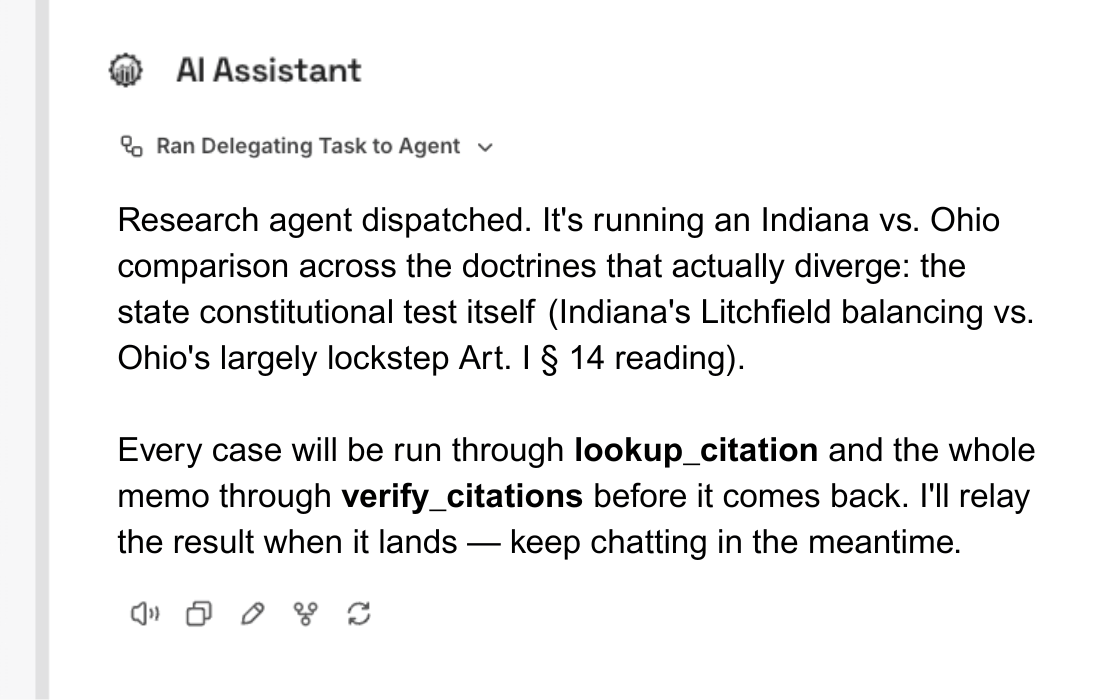
Background agents
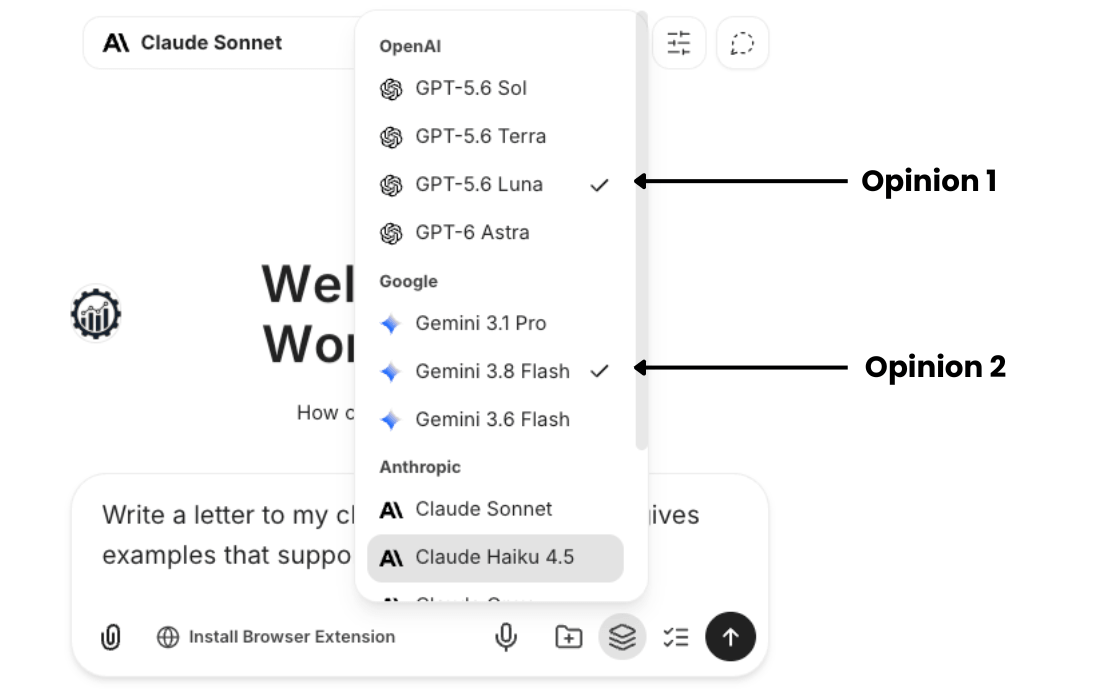
Second opinion mode
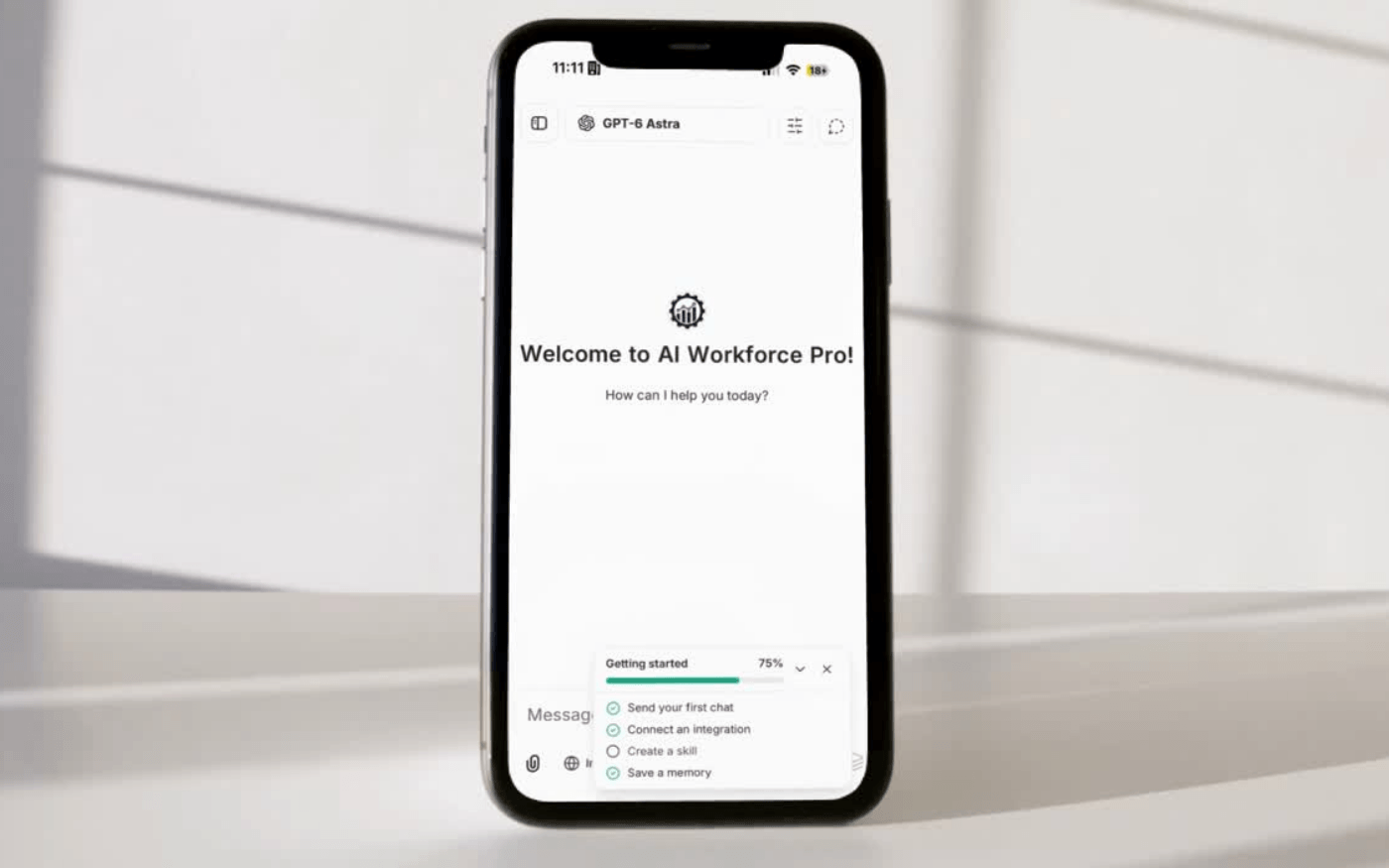
Mobile app
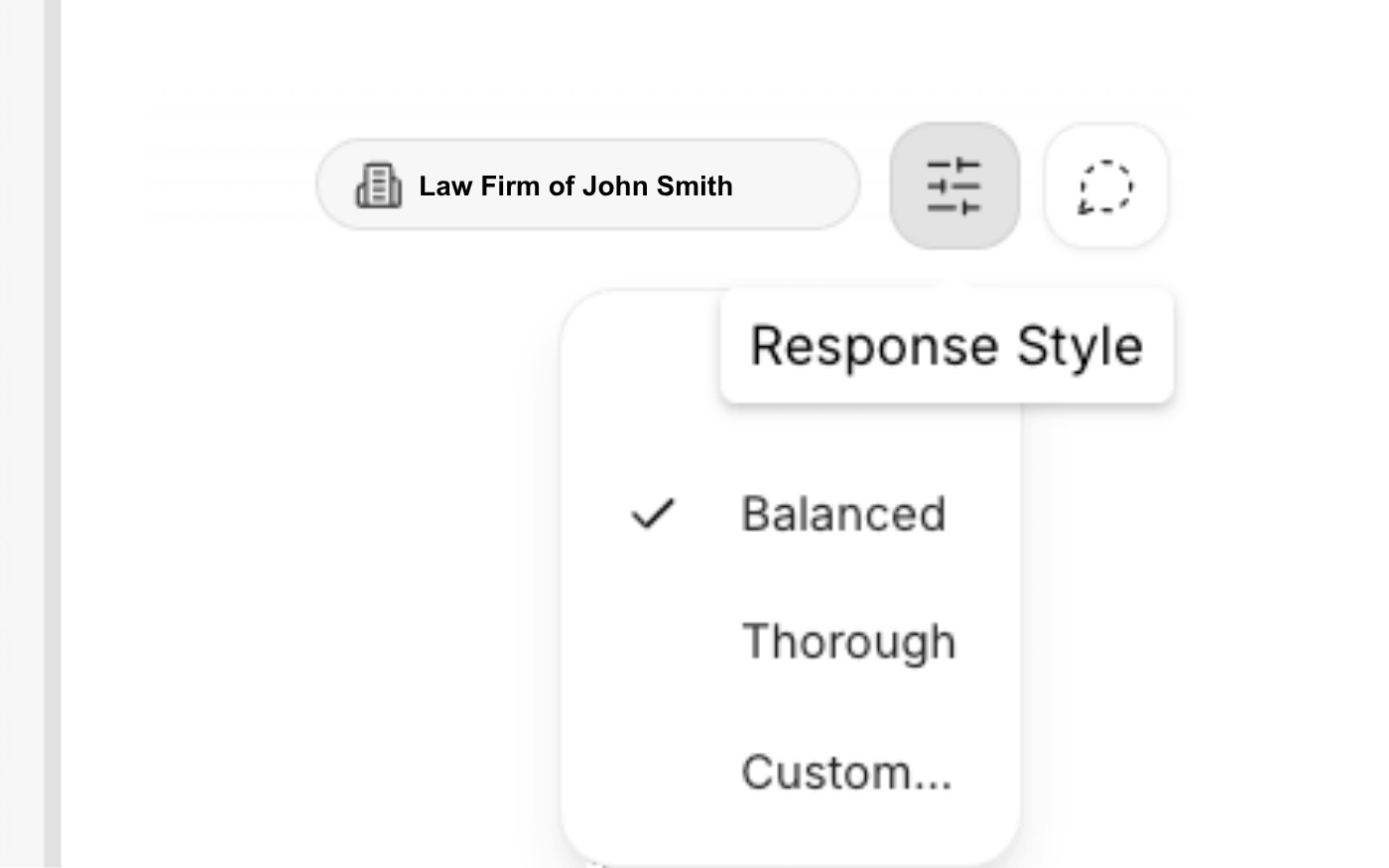
Response style controls
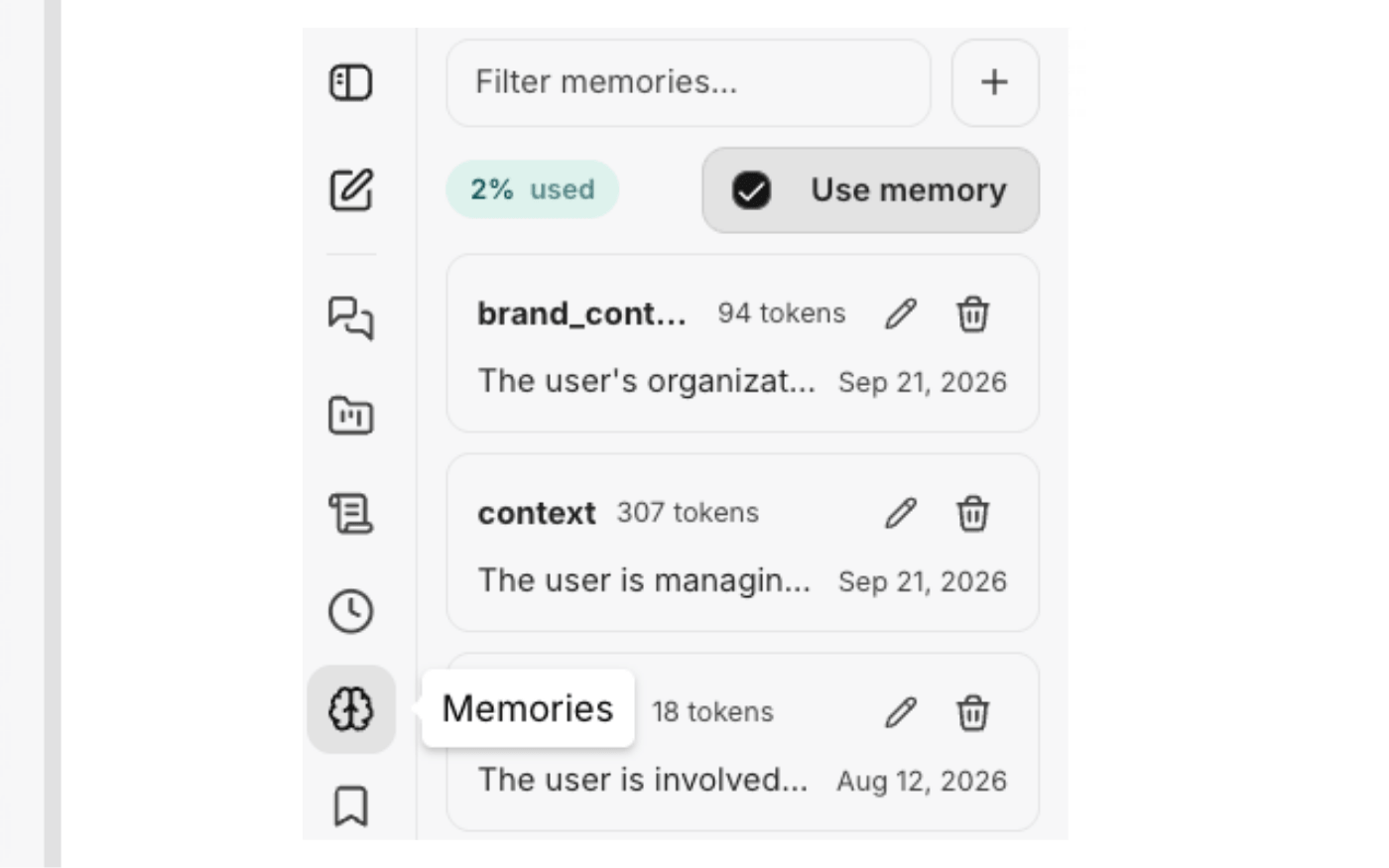
Private memory
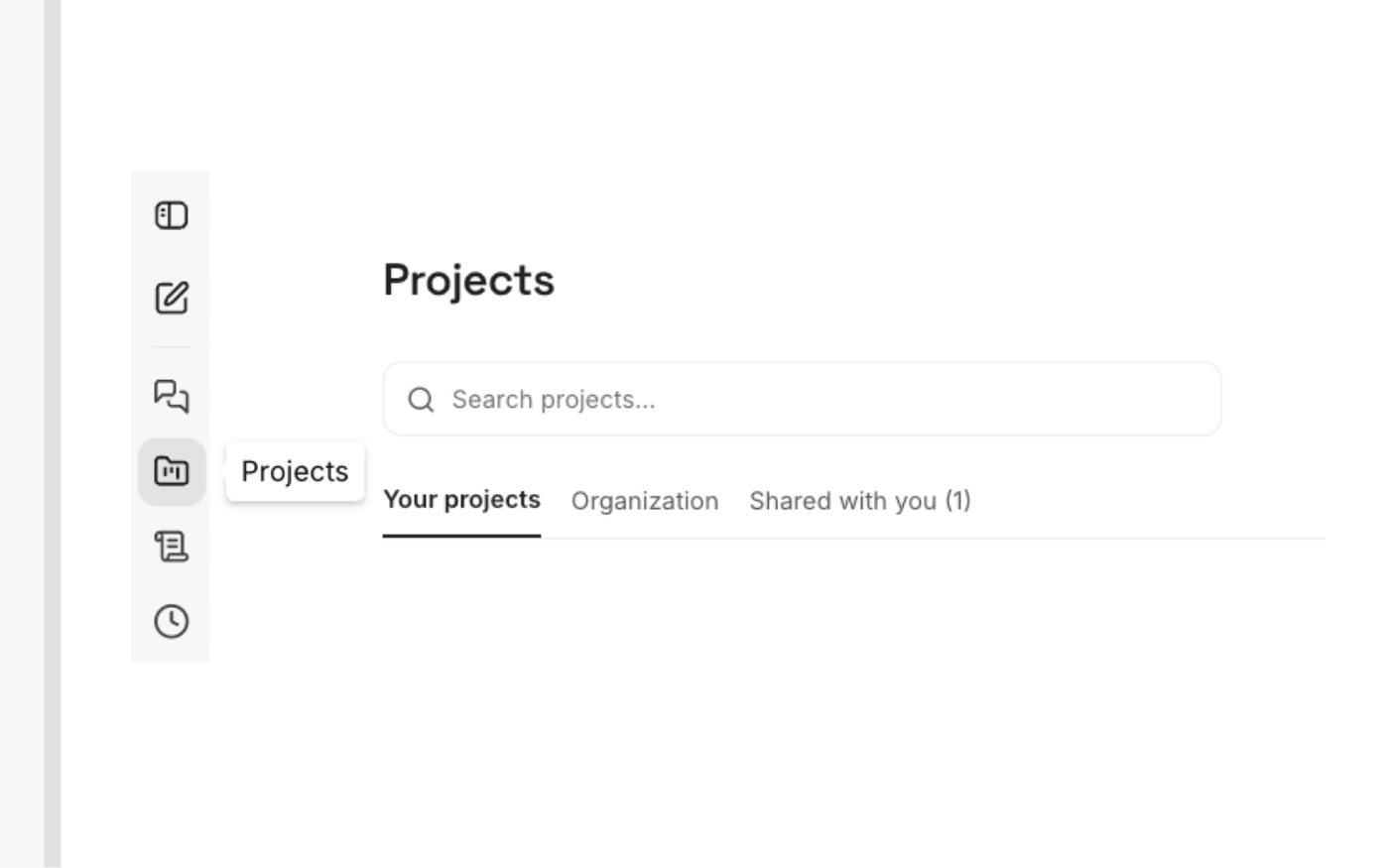
Projects
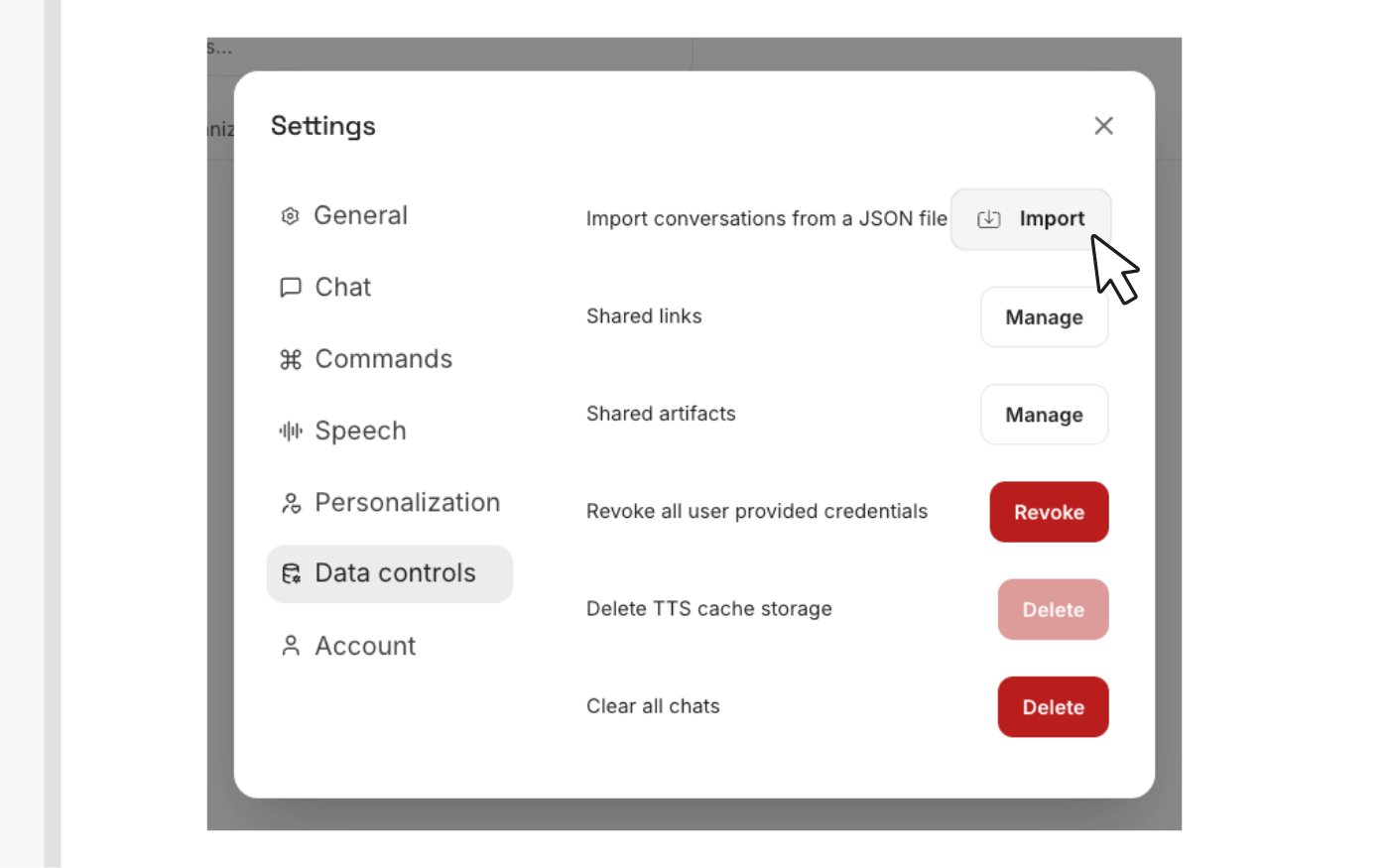
Skill import
60+ skills, covering the whole firm
Every skill is ready to run on day one. Use them as they are, adapt them, or build your own.
Client acquisition and intake
Qualify and score inbound leads, push them into your CRM at the right stage, run follow-up sequences that actually get sent, recover no-shows, prep both sides before a consult, and organize conflict-check worksheets for attorney review.
Matters and documents
Index and file client documents into a standard folder structure, turn meeting recordings into owner-tagged action items, and convert the way your firm does something into a written SOP.
Client communication
Build onboarding packets, send appointment reminders with the right prep, draft proactive status updates for matters that have gone quiet, rewrite legalese into plain language, handle communications in your client’s language, and get help delivering bad news well.
Client retention
Score relationship health and churn risk, close matters cleanly with a gracious offboarding package, and run satisfaction surveys that route to review requests.
Billing, finance and trust
Turn rough notes into defensible billing narratives, QA prebills before they go out, run AR collection sequences, design payment plans, build fee proposals, organize trust ledgers for reconciliation, and produce a monthly financial snapshot and practice-area profitability breakdown.
Marketing and reputation
Create content and newsletters, post to Google Business, request and respond to reviews, scan local competitors, audit your website copy, promote a seminar or webinar, pitch yourself for podcasts, and build case studies with consent handled first.
Team and firm operations
Write job posts, screen candidates into a defensible shortlist, onboard new hires with a 30/60/90 plan, draft performance reviews, compile deadline digests, and produce a weekly operations pulse.
AI Workforce Pro plugs into what you already run
Connect once and every skill can reach it. No exporting, no re-typing, no copying answers between windows.
Don’t see yours?
Tell us and we’ll look at building it. We add integrations constantly, in the order firms ask for them, and when we build one for one firm everybody gets it.
The AI Infrastructure Your Firm Runs On
You’ve seen what the platform does. If you haven’t seen why firms move to it — the security, the cost of the status quo, and what it replaces — learn more about AI Workforce Pro below.