Most law firm owners have already tried a general chat tool like ChatGPT or Claude. Far fewer have built the supporting tools around them, and those supporting tools are often where the real time savings show up. Getting your thinking into the AI faster, researching without opening twenty tabs, capturing every meeting, running the business side of the firm, and absorbing written material without sitting at a screen are all bottlenecks an owner can remove with the right tools.
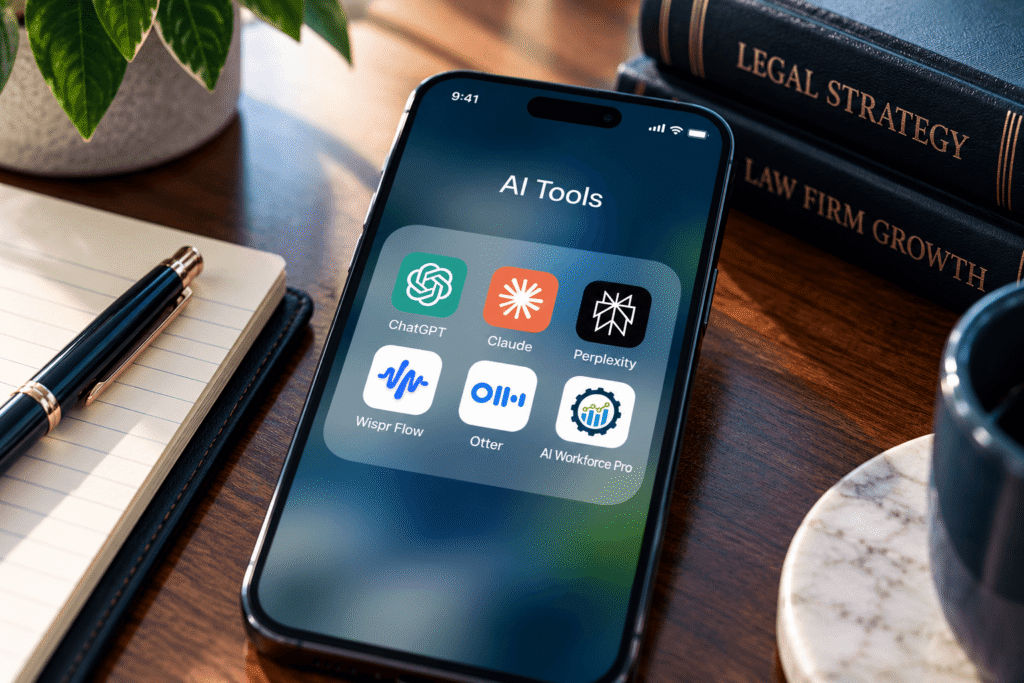
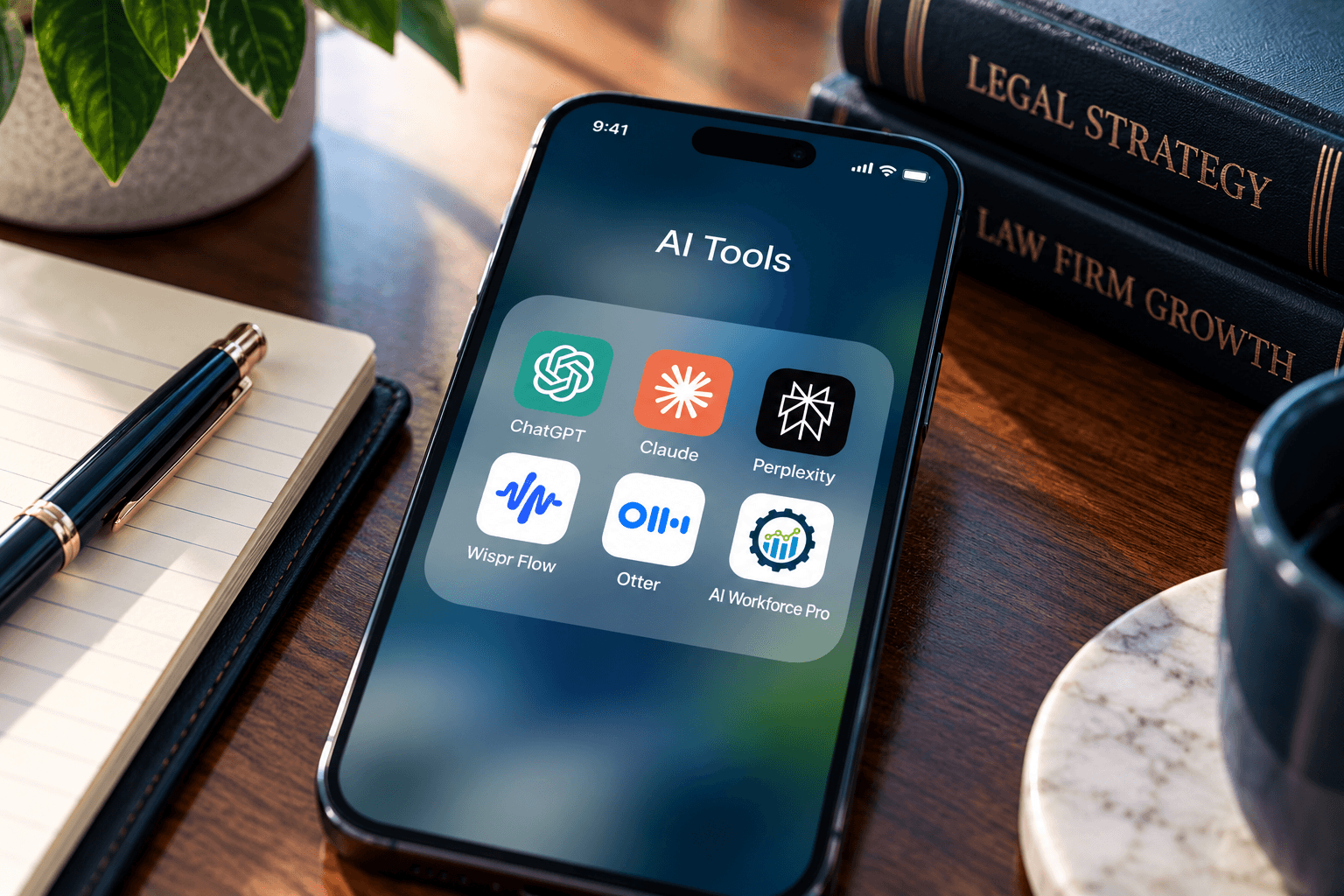
This post covers five AI tools for law firms that work alongside the chat tools you already use. They are Wispr Flow, Perplexity, Otter, AI Workforce Pro, and Speechify. At least one of them may be new to you. We cover each one through the lens an owner cares about: what it saves, where it fits, and what to watch for.
Why Law Firm Owners Need More Than ChatGPT or Claude
The quality of what you get from any AI model depends heavily on the context you give it and the workflow around it. A strong model fed a vague, two line prompt will produce a generic answer. The same model given your situation, your goals, and your constraints will produce something you can actually use.
That is why the most useful AI tools for lawyers who own firms are often the ones that sit around the model. They make it easier to supply context, verify information, capture conversations, and apply AI to the work of running a business rather than only the work of practicing law. A firm that treats AI as a system, not a single chat window, gets more from every tool in the stack.
Wispr Flow: Dictation That Gets Better Context Into AI
Wispr Flow is AI dictation software for your computer. The case for it is simple. Most people speak considerably faster than they type, and they tend to explain their thinking more clearly out loud. When you are prompting AI, that matters, because the more background you provide, the better the output.
Basic built in dictation works like a digital typewriter. It records what you say, including false starts and stutters, and you typically have to speak your punctuation aloud. Wispr Flow pairs speech recognition with a language model layer that interprets what you meant. It cleans up filler words, adds punctuation automatically, and handles mid sentence corrections, so “I’ll be there at 5, no, make that 6” comes out as 6.
For a firm owner, the practical use is giving AI long, detailed instructions without the friction of typing them. Drafting a brief for a marketing campaign, describing an intake problem, or explaining how your firm handles a case type all become faster. Built in dictation still has its place for quick notes. Wispr Flow earns its spot when you are feeding context to an AI tool. If you are comparing dictation software for lawyers, test each option on a real prompt and see which output needs less cleanup.
Perplexity: Research That Reads the Sources for You
Perplexity is an AI research tool. Where a traditional search engine returns a list of links for you to open and read, Perplexity reads the sources and assembles an answer with citations you can check. Google remains the right tool for local searches and for anything that depends on real time results. Perplexity is built for the research questions that would otherwise take an afternoon.
Consider a criminal defense attorney who wants to compile publicly reported instances of police misconduct in a city over the past five years. Instead of running dozens of searches, the attorney can describe the request in plain language, ask for a comprehensive list with the supporting articles, and receive a structured starting point for a report. Because the sources are listed, you can verify each one before relying on it.
The same approach works on the business side. You can research vendors, software, equipment, or market conditions and see what real users are reporting. The caution is the same as with any AI output: check the underlying sources before you rely on a claim, especially for anything that will appear in a filing or a client communication.
Otter: Record Meetings and Audit Your Consultations
Otter is a recording and transcription app that works on a phone and on a desktop. It is most useful for conversations that happen away from a video call, such as an in person meeting, a mastermind session, or a conversation across a conference table. You start a recording, and afterward you have a full transcript you can search and ask questions about.
The obvious benefit is capturing notes from meetings. The less obvious benefit, and the one we would encourage owners to prioritize, is auditing your own consultations. Most firms lose signed cases in the consultation, and the owner rarely hears it back. Reviewing a recorded consultation lets you see where an objection could have been handled better, which statements from the prospect pointed to what they cared about most, and where something you said may have made them hesitate. That turns every consultation into training material for you and your intake team.
Recording rules vary by state, and your bar obligations around client confidentiality still apply. Make sure you understand the consent requirements where you practice, and vet how any recording tool stores and handles client information before you use it with matters.
AI Workforce Pro: AI Built for Running the Firm
General AI tools help you do legal work. AI Workforce Pro is built to help you run the firm. It is designed specifically for law firm owners, and it gives you access to leading models from OpenAI, Google, and Anthropic inside one environment, so you are not limited to a single provider.
What sets it apart is the set of skills already built in for the business side of a law firm. They cover client intake and lead management, matter and client management, billing and finance, marketing and business development, client retention and reviews, and operations and team management. Examples include client onboarding packets, matter status updates, drafting difficult client messages, and rewriting legal jargon into plain language a client can understand. It also connects to the systems firms already use, including the Google and Microsoft ecosystems and CRM and practice management tools.
The goal is not another place to ask questions. It is a way to apply AI to the work that determines whether your firm is profitable, well staffed, and able to run without you in every decision. We run these systems for law firms every day, and AI Workforce Pro puts that approach in the hands of owners directly.
Legal research is where the difference shows up fastest. Perplexity is a capable general answer engine, and many owners like it because it shows its sources. But it searches the open web, so a court opinion, a law firm blog post, and a forum thread can all feed the same answer. The legal research inside AI Workforce Pro is grounded in legal databases instead. When an attorney is going to rely on the result, where the answer comes from matters as much as the answer itself.
The second difference is adoption. Most firms that buy an AI tool never get past a few early experiments, because nobody shows the team what to do next. AI Workforce Pro comes with weekly implementation sessions that walk users through new skills and features as we launch them. Owners and their teams keep learning how to use the platform as it grows, and they don’t have to figure it out alone.
The third difference is who shapes the product. Because we build specifically for law firm owners, our clients help set our development roadmap. That keeps our focus on the capabilities that matter most to the firms using them, such as intake, marketing, and operations, rather than on features built for every industry at once.
Speechify: Listen to Anything You Need to Read
Owners have more reading than they have time for. Articles, reports, PDFs, and long emails pile up, and many people absorb information better by listening. Speechify reads text aloud. It works through a browser extension that can read a web page while highlighting the text so you can follow along, and it also lets you upload documents such as PDFs and listen to them.
The practical value is converting dead time into review time. A commute, a walk, or a workout can become a chance to get through material that would otherwise wait on your desk. You can also adjust the playback speed, so a document that takes ten minutes to read may take far less to hear. Voices are selectable, so you can choose one you find easy to listen to over long stretches.
As with any tool that processes documents, think before uploading anything that contains confidential client information. Use it freely for public articles and your own internal material, and confirm the data handling terms before using it with anything sensitive.
How to Build Your AI Stack Without Creating Risk
Adding all five tools at once is a good way to adopt none of them. Pick the one that removes your biggest bottleneck, use it for a few weeks, and then add the next. If you spend your day explaining things to AI, start with dictation. If you spend it researching, start with Perplexity or AI Workforce Pro. If your consultations are your biggest source of lost cases, start with recording and review.
Before any tool touches client information, review its privacy and data handling terms the way you would any other software that holds case files. Your confidentiality duties do not change because a tool is convenient. If AI is used in anything that qualifies as attorney advertising or client communication, state bar advertising and communication rules still apply, and a human at the firm should review the output before it goes out.
Finally, treat these tools as additions to what already works in your firm. Your marketing channels, intake process, and team still do the heavy lifting. AI makes each of them faster and more consistent.
Frequently Asked Questions
What are the best AI tools for lawyers and law firm owners?
Beyond a general chat tool like ChatGPT or Claude, owners benefit from tools that remove specific bottlenecks: a dictation tool such as Wispr Flow for giving AI more context, Perplexity for sourced research, Otter for recording and reviewing meetings, Speechify for listening to written material, and AI Workforce Pro for applying AI to running the firm.
Are ChatGPT and Claude enough for lawyers?
They are a strong starting point for drafting and analysis. Most firms get more value when they add tools around the chat window: dictation to supply better context, sourced research to verify claims, recording to capture conversations, and AI built for running the business side of the firm.
Is Wispr Flow better than Apple dictation?
For prompting AI, many owners find it is. Built in dictation transcribes your words as spoken, including mistakes and punctuation commands. AI dictation tools interpret your intent, add punctuation, and handle corrections as you speak. Built in dictation is still fine for quick notes.
Can lawyers use AI to record consultations?
Yes, many firms do it to review and improve their consultation process. Recording laws and consent requirements vary by state, and you should confirm what applies where you practice. Also vet how the tool stores client information before you use it with matters.
Is it safe to use AI tools with client information?
It depends on the tool and its terms. Review privacy policies, data retention, and whether your data is used to train models. Your confidentiality obligations still apply, so vet any tool the way you would vet other software that touches case files.
What is the best AI tool for running a law firm?
Tools built for the business side of a firm tend to help most with intake, client communication, billing, marketing, and operations. AI Workforce Pro is designed for exactly that, with law firm owner skills built in.
See What AI Can Do on the Business Side of Your Firm
AI Workforce Pro brings intake, marketing, billing, and operations skills into one place built for law firm owners. Take a look and see which skills fit your practice.
Learn More About AI Workforce ProWatch the Full Walkthrough
This post is based on our video covering these tools in more detail, including live demonstrations of dictation, research, and document listening. The video description also includes a cheat sheet with notes and links to every tool mentioned.